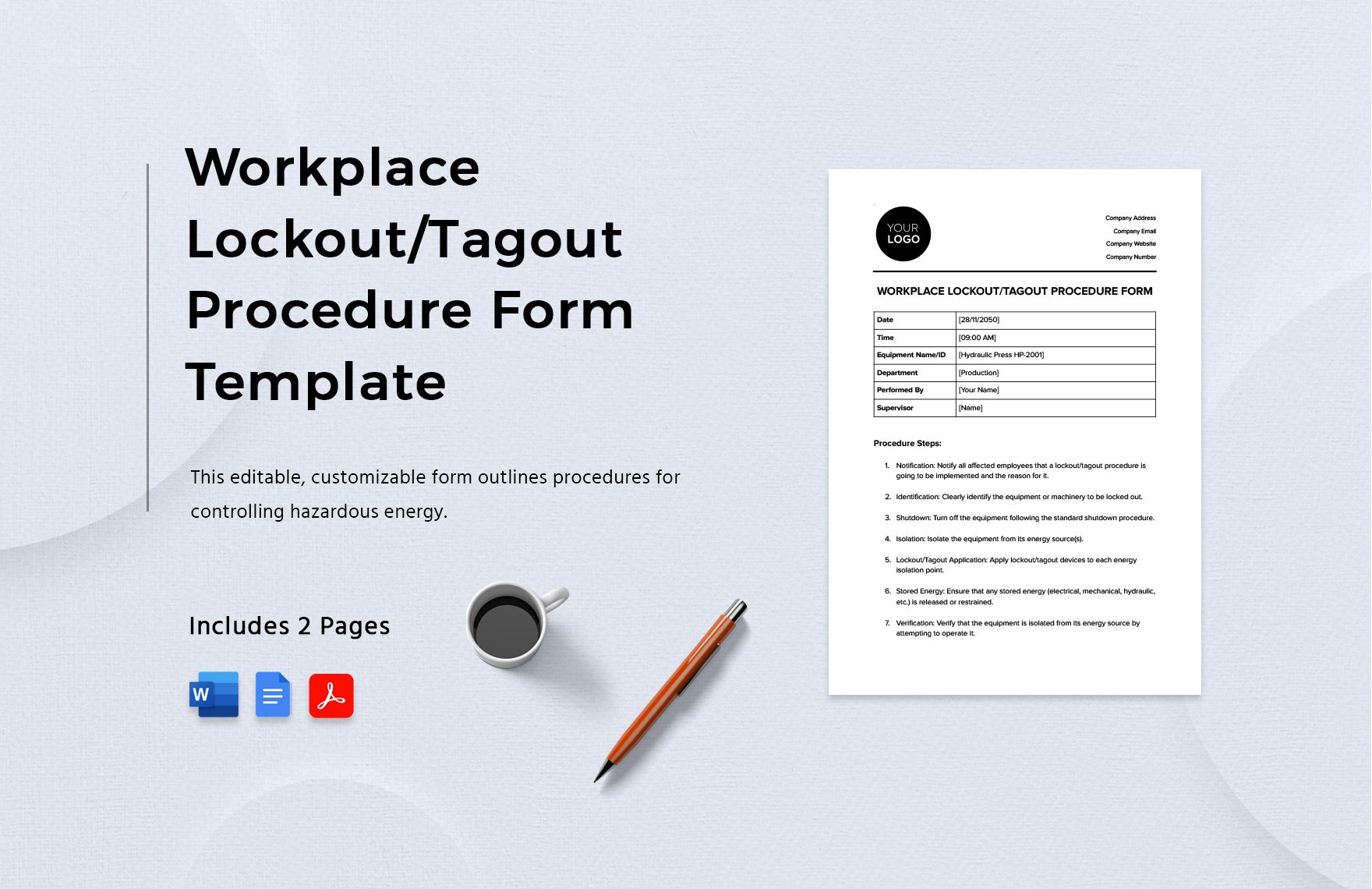
Equipment failure. Unexpected startup. A worker’s hand near a conveyor belt. In seconds, a preventable injury becomes a life-altering event. Most industrial accidents tied to machinery servicing stem from one root cause: missing or poorly executed lockout tagout (LOTO) procedures. A standardized lockout tagout procedure template in Word format isn’t just paperwork—it’s a frontline defense.
For safety managers, maintenance supervisors, and EHS coordinators, having a clear, editable, and site-specific LOTO procedure is non-negotiable. Yet, many teams still rely on outdated forms, generic PDFs, or handwritten notes. That’s where a professionally designed Word-based LOTO template changes the game—offering flexibility, clarity, and compliance in one document.
This guide delivers a practical, ready-to-deploy lockout tagout procedure template in Word, explains how to customize it, and shows how to avoid the most common implementation pitfalls.
Why a Word-Based Lockout Tagout Template Works Best
You can find LOTO templates in PDF, Excel, or even online forms. But Word remains the most practical format for most organizations—and here’s why:
- Easy to Customize: Word allows seamless editing of text, tables, and headers without requiring specialized software.
- Familiar Interface: Nearly every office worker knows how to use Word, reducing training time.
- Print-Ready & Digital-Friendly: Use it on tablets in the field or print laminated copies for equipment stations.
- Version Control: Track changes, add comments, and maintain revision history.
A Word template supports both standardization and adaptability—critical when your facility services everything from hydraulic presses to HVAC units.
Pro Tip: Store your master LOTO Word templates in a shared drive with restricted edit access. Create subfolders by department (e.g., Maintenance, Production, Utilities) to organize equipment-specific procedures.
What to Include in a Lockout Tagout Procedure Template
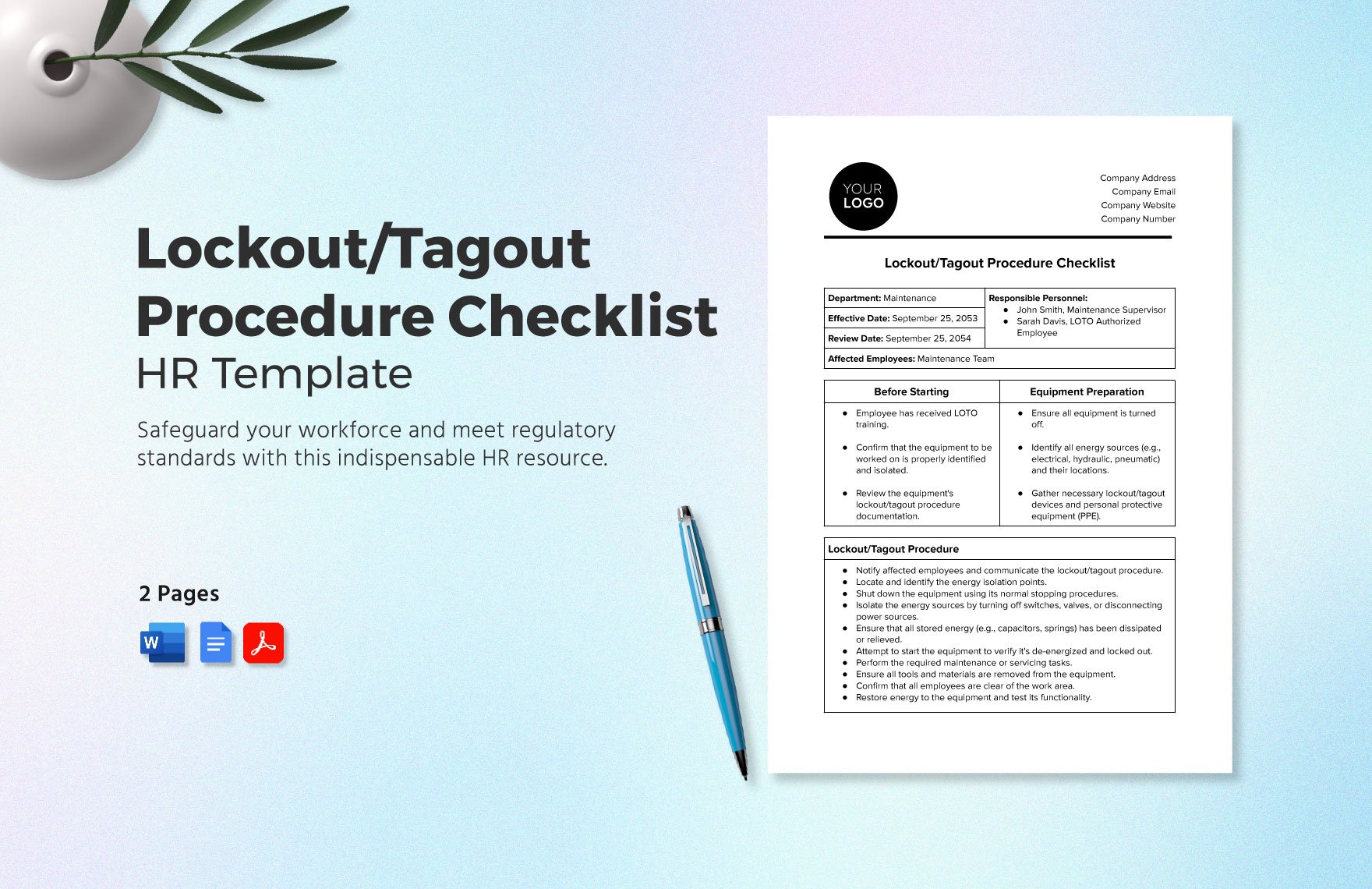
A strong LOTO procedure isn’t just a checklist—it’s a step-by-step roadmap for safely isolating energy sources. Your Word template must include these core sections:
1. Equipment Identification Clearly name the machine or system. Include:
- Equipment ID number
- Location (e.g., Production Line 3, Boiler Room A)
- Primary energy sources (electrical, pneumatic, hydraulic, chemical, thermal)
Example: Equipment: CNC Lathe Model X2200 Location: West Workshop, Bay 7 Energy Sources: 480V Electrical, Hydraulic Pressure (2,000 PSI)
2. Authorized Personnel List names or roles of employees trained and approved to perform the LOTO. This ensures accountability.
Common Mistake: Using vague terms like “maintenance staff.” Be specific—list job titles (e.g., Senior Maintenance Technician) or individual names with employee IDs.
3. Step-by-Step Shutdown Sequence Break down the shutdown into numbered actions:
- Notify affected employees of upcoming shutdown.
- Shut down the machine using normal stop controls.
- Isolate all energy sources using disconnects, valves, or bleed points.
- Apply lockout devices (lockout hasps, valve locks, circuit lockouts).
- Attach tagout tags with employee name, date, reason.
4. Verification of Zero Energy
This is the most critical step—and often the most neglected.
Include: - How energy will be verified (e.g., test voltage with a multimeter, check pressure gauges) - Who will perform verification - Required tools (e.g., voltage tester, bleed screw tool)
Red Flag: Skipping verification because “it’s been done before.” Every isolation must be tested, every time.
5. Steps for Release and Restoration Outline the process to safely remove locks and restart: - Confirm work is complete and tools removed - Notify affected employees - Remove lockout devices only by the person who applied them - Restore energy sources in reverse shutdown order - Test operation under controlled conditions
Sample Lockout Tagout Procedure Template (Word) Structure
Here’s a simplified structure you can copy into Word:
text LOCKOUT TAGOUT PROCEDURE
Equipment: _________________________ ID Number: _________________________ Location: __________________________ Energy Sources: ☐ Electrical ☐ Hydraulic ☐ Pneumatic ☐ Thermal ☐ Chemical
- AUTHORIZED PERSONNEL:
- _________________________ (Employee ID: ________)
- _________________________
- SHUTDOWN STEPS:
- Notify all affected employees.
- Shut down the machine using the emergency stop or main control.
- Turn off and lock out the main disconnect switch (Electrical).
- Close and lock out the hydraulic supply valve (Hydraulic).
- Bleed residual pressure using the manual release valve.
- Apply personal locks and tags.
VERIFICATION: - Use a calibrated voltage tester to confirm zero energy on main circuit. - Check hydraulic gauge reads 0 PSI. - Attempt to start machine using normal controls (should not operate).
- RELEASE PROCEDURE:
- Confirm all tools and personnel are clear.
- Remove personal locks and tags.
- Re-energize electrical and hydraulic systems.
- Restart machine under supervision.
Save this as a .docx file and expand it with company branding, safety warnings, and equipment photos for better clarity.
Common Errors in LOTO Procedures (And How to Fix Them)
Even facilities with LOTO templates make mistakes. These are the top five—and how to fix them:
| Error | Risk | Solution |
|---|---|---|
| Using one generic procedure for multiple machines | Missed energy sources | Create machine-specific templates in Word |
| Tags without employee names or dates | Accountability gaps | Require full identification on every tag |
| Skipping verification | Unconfirmed isolation | Add mandatory test step; require sign-off |
| Allowing group lockout without a primary controller | Confusion during release | Appoint a single authorized employee to manage group LOTO |
| Failing to update procedures after equipment changes | Outdated safety steps | Review and revise templates quarterly |
Real-World Case: A Midwest manufacturing plant reduced LOTO incidents by 72% in 10 months after switching from a single PDF template to individual, editable Word documents for each machine.
5 Free & Reliable Sources for Lockout Tagout Word Templates
Need a starting point? Here are five trusted sources offering downloadable LOTO templates in Word format:
- OSHA.gov (U.S. Department of Labor)
- - Free, compliant with 29 CFR 1910.147
- - Includes fillable fields and official terminology
- - Best for: Government-compliant baseline templates
- NIOSH (National Institute for Occupational Safety and Health)
- - Research-backed, includes risk assessment fields
- - Ideal for high-hazard environments
- - Best for: Chemical plants, laboratories
- SafetyWorks! (Maine Department of Labor)
- - Simple, user-friendly Word docs
- - Great for small businesses
- - Best for: SMBs needing quick deployment
- WorkSafeBC (Canada)
- - Bilingual (English/French) templates
- - Includes group LOTO and shift change sections
- - Best for: Facilities in Canada or multilingual teams
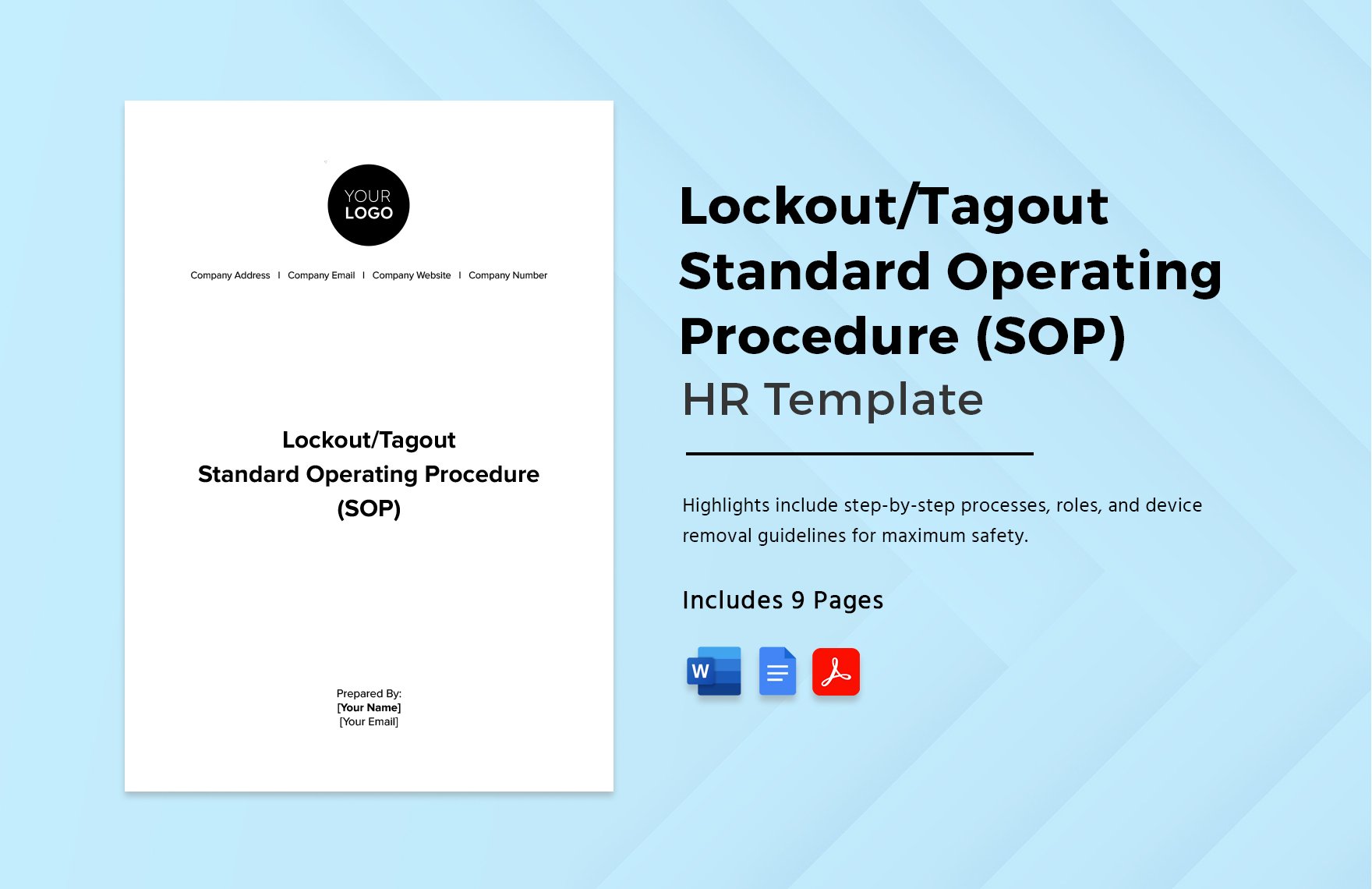
- EHS Docs (Third-party resource)
- - Professionally formatted, customizable
- - Offers industry-specific versions (e.g., food processing, warehousing)
- - Best for: Companies wanting polished, branded templates
Warning: Avoid random .zip file downloads from unknown sites. Stick to government or reputable EHS portals to avoid outdated or non-compliant formats.
How to Customize a LOTO Template for Your Facility
A one-size-fits-all template fails when applied across diverse equipment. Follow this workflow:
- Conduct an Energy Audit
- Walk through each machine. Map every energy source—don’t assume.
- Photograph Equipment Points
- Add images to your Word doc showing where to apply locks (e.g., electrical panel, hydraulic valve).
- Use Tables for Clarity
- Replace long paragraphs with tables for shutdown steps and verification checks.
- Add Company Branding
- Insert your logo, safety slogan, and emergency contact info in the header.
- Print and Laminate
- Keep a physical copy near each machine. Digital backups should be in shared drives with access logs.
Pro Workflow: Use Word’s “Styles” feature to create a consistent format. Define headings, bullet points, and warning boxes so every template looks uniform.
Integrating LOTO Templates Into Daily Safety Culture
A Word document on a server won’t stop accidents. The template must be part of a living safety system.
- Train Regularly: Conduct hands-on LOTO drills using the actual Word-based procedures.
- Audit Monthly: Spot-check 3–5 machines to verify procedures are followed.
- Update After Incidents: If near-misses occur, revise the template immediately.
- Empower Workers: Allow technicians to suggest edits—those on the floor often spot flaws first.
The best LOTO template is not the most detailed—it’s the one that’s actually used, understood, and trusted.
A lockout tagout procedure template in Word format is more than a document. It’s a tool that bridges compliance and real-world safety. Whether you’re managing a single workshop or a multi-site operation, starting with a structured, editable template saves time, reduces risk, and protects lives.
Download a trusted base template, customize it for your equipment, and ensure every authorized employee can access and use it—today.
FAQ
Can I use a PDF instead of a Word template for LOTO procedures? Yes, but Word is better for frequent updates. PDFs are static and harder to modify without design tools.
Do I need a separate LOTO procedure for each machine? Yes, if energy sources or shutdown steps differ. Machines with identical controls and energy types may share a procedure.
Who should approve the LOTO template? The safety manager or EHS officer should review and sign off, with input from maintenance leads.
Can multiple people use the same lockout procedure? Yes, but each worker must apply their own lock and tag. Use group lockout boxes if needed.
How often should LOTO procedures be reviewed? Annually, or immediately after equipment changes, incidents, or near-misses.
Are digital LOTO templates on tablets acceptable? Yes, if they’re accessible, tamper-proof, and backed up. Include printed copies as a fail-safe.
What makes a LOTO template OSHA-compliant? It must include machine-specific steps, authorized employee details, energy source isolation, and verification of zero energy.
FAQ
What should you look for in Lockout Tagout Procedure Template Word: Free & Customizable? Focus on relevance, practical value, and how well the solution matches real user intent.
Is Lockout Tagout Procedure Template Word: Free & Customizable suitable for beginners? That depends on the workflow, but a clear step-by-step approach usually makes it easier to start.
How do you compare options around Lockout Tagout Procedure Template Word: Free & Customizable? Compare features, trust signals, limitations, pricing, and ease of implementation.
What mistakes should you avoid? Avoid generic choices, weak validation, and decisions based only on marketing claims.
What is the next best step? Shortlist the most relevant options, validate them quickly, and refine from real-world results.